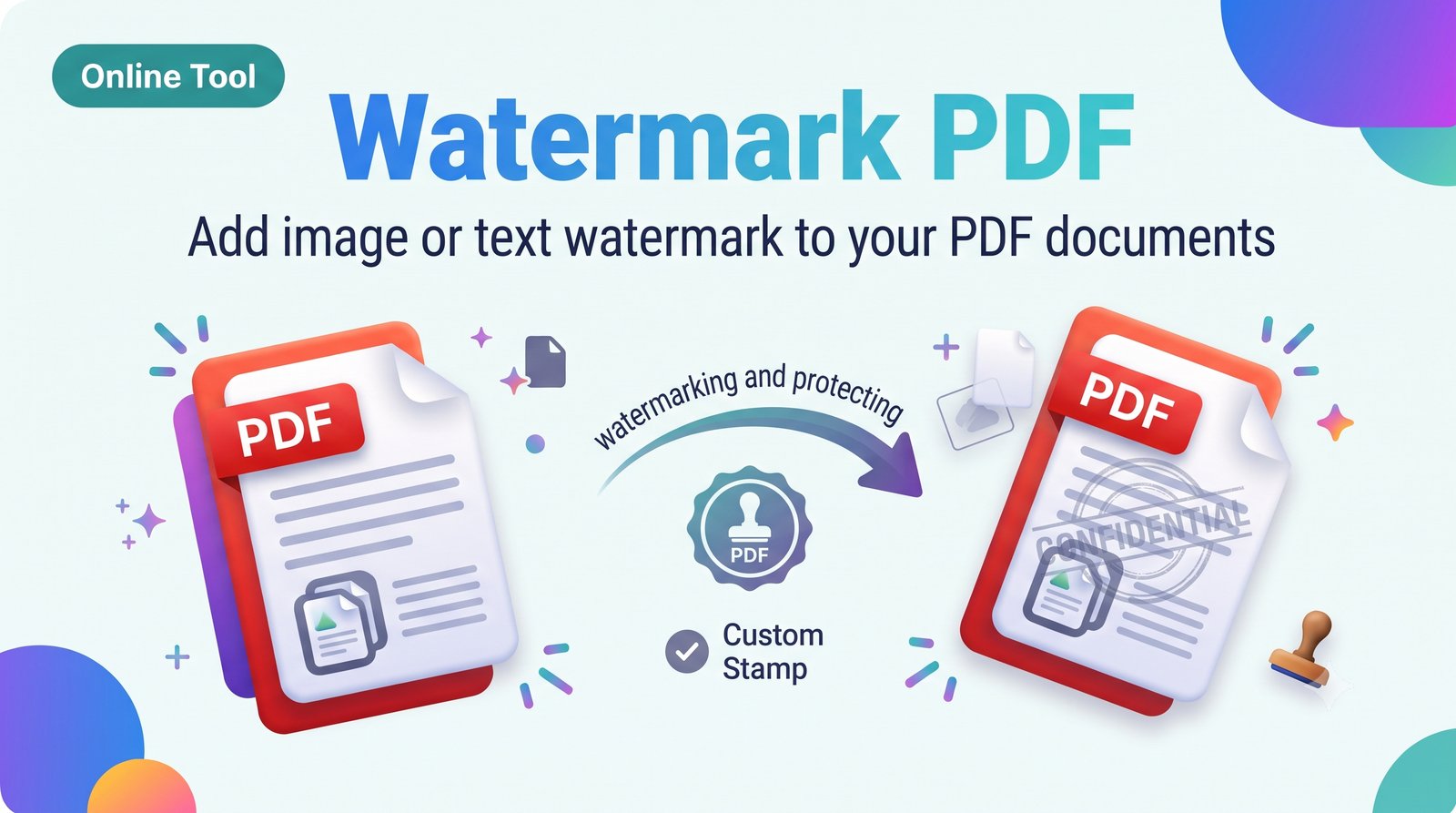
Watermark PDF – Add Text or Image Watermark to PDF Online Free
Add a watermark to PDF online for free. Stamp text or a logo on every page with custom position and transparency. No signup needed.
About this tool
Watermark PDF: Protect and Brand Your Documents
Put your name, company, or “CONFIDENTIAL” on every page. It helps stop misuse of your documents and adds branding to files you share.
Features
Text watermark or image/logo watermark
Adjust size, rotation, color, and opacity
Place in the center, corner, or tiled across the page
Apply to all pages or selected pages
Free to use
How to use
Upload your PDF.
Type your watermark text or upload a logo.
Set position, transparency, and rotation.
Click “Add Watermark” and download.
FAQ
Can I add my logo? Yes, upload a PNG with a transparent background for best results.
Will the text still be readable? Yes, lower the opacity so the page content stays clear.
Need to stamp a PDF, add a text watermark, or add a logo to PDF pages? Use this free tool.
watermark pdf, add watermark to pdf, pdf watermark online free, stamp pdf, add logo to pdf
Related tools
 Online Tool
JPG to PDF Converter – Convert JPG Images to PDF Online Free
Convert JPG to PDF online for free. Combine one or many JPG images into a single PDF in seconds. No signup, no watermark, works on mobile and PC.
 Online Tool
Merge PDF – Combine Multiple PDF Files into One Online Free
Merge PDF files online for free. Combine multiple PDFs into one document in seconds. No signup, no watermark, works on mobile and PC.
 Online Tool
Split PDF – Separate PDF Pages or Extract Page Range Online Free
Split PDF online for free. Divide a PDF into separate files or extract specific pages in seconds. No signup, no watermark, no software needed.
 Online Tool
Rotate PDF – Rotate PDF Pages 90, 180 or 270 Degrees Online Free
Rotate PDF pages online for free. Turn all or selected pages 90°, 180°, or 270° and save the fixed file. No signup, no watermark.