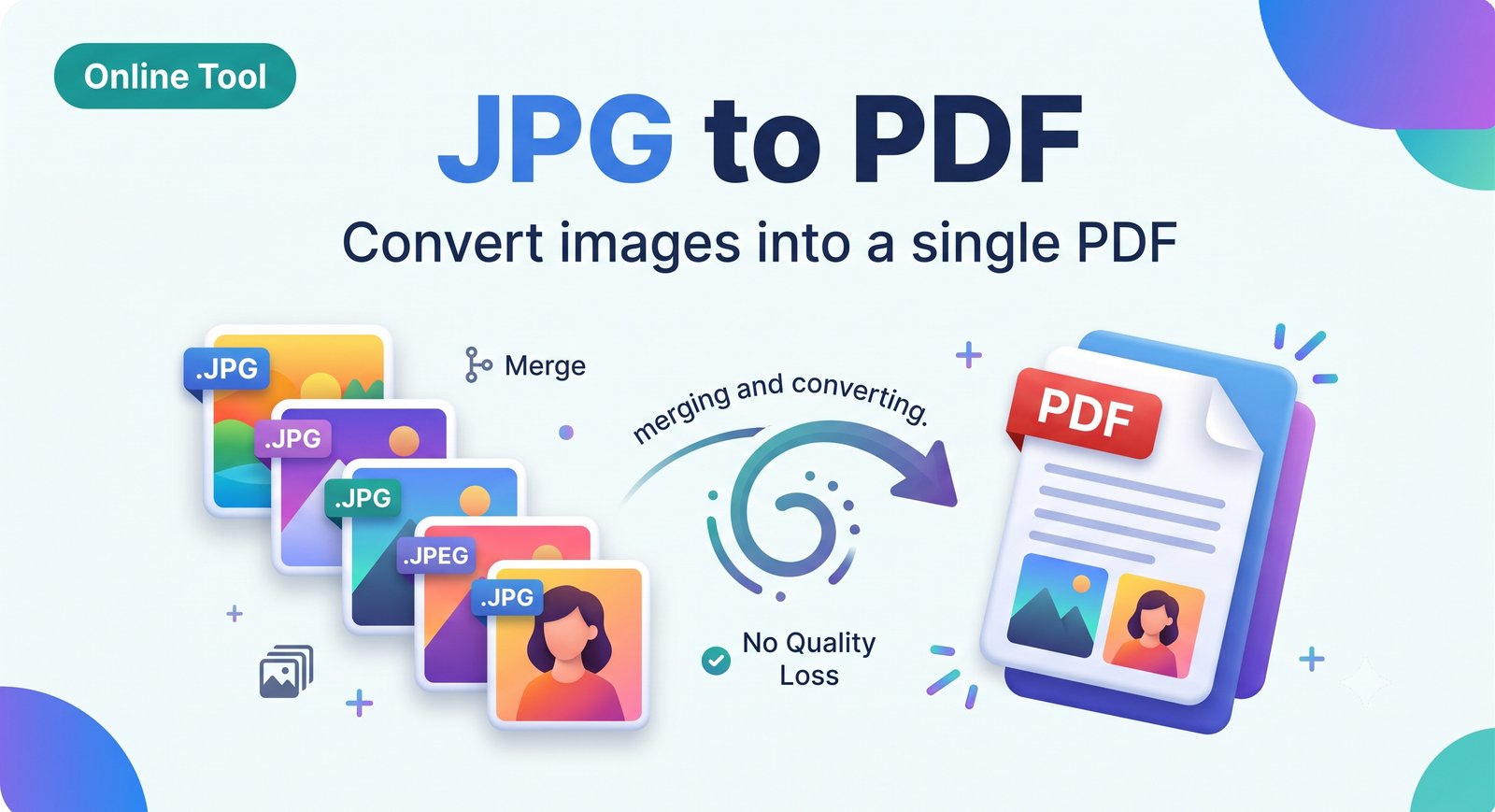
JPG to PDF Converter – Convert JPG Images to PDF Online Free
Convert JPG to PDF online for free. Combine one or many JPG images into a single PDF in seconds. No signup, no watermark, works on mobile and PC.
About this tool
JPG to PDF Converter: Free, Fast and Private
Turn your JPG and JPEG images into a clean PDF file in a few clicks. Whether it’s a scanned document, an ID card, a receipt, an assignment, or a photo album, this tool puts it all into one PDF you can share, print, or upload anywhere.
Key Features
Convert a single JPG or merge multiple JPG images into one PDF
Drag and drop to reorder pages before converting
Choose page size: A4, Letter, or fit to image
Choose orientation: portrait or landscape
Adjustable margins and image quality
No signup, no watermark, no limits
Works on Android, iPhone, Windows, Mac, and Linux
Files are processed securely and not stored
How to Convert JPG to PDF
Click “Upload” or drag your JPG images into the box.
Arrange the images in the order you want.
Select page size, orientation, and margin.
Click “Convert to PDF”.
Download your PDF instantly.
Common Uses
Submitting documents for jobs, exams, or government forms
Combining scanned pages into one file
Sending photos as a single PDF by email or WhatsApp
Creating a portfolio or photo album PDF
Frequently Asked Questions
Is this JPG to PDF converter free?
Yes. It is 100% free with no hidden charges.
Can I convert multiple JPG files into one PDF?
Yes. Upload as many images as you like and they will be merged into a single PDF.
Will the image quality drop?
No. You can keep the original quality or choose compression to reduce file size.
Does it work on mobile?
Yes. It works in any modern browser on phones and tablets.
Are my files safe?
Your files are used only for conversion and are not shared or kept.
Related Tools: PNG to PDF, PDF to JPG, Merge PDF, Compress PDF, Image Compressor
Cover image (jpg/png/webp, max 5 MB):
Size: 1200x630 px. Idea: a clean banner with a JPG icon on the left, an arrow in the middle, and a PDF icon on the right, with the text “JPG to PDF Converter” in bold. Use a simple solid or gradient background.
AI prompt: “Minimal flat design banner, JPG file icon with arrow pointing to PDF file icon, modern gradient blue background, clean tech style, 1200x630”
jpg to pdf, jpg to pdf converter, convert jpg to pdf online free, image to pdf, jpeg to pdf, multiple jpg to one pdf, photo to pdf, jpg to pdf no watermark
Related tools
 Online Tool
Merge PDF – Combine Multiple PDF Files into One Online Free
Merge PDF files online for free. Combine multiple PDFs into one document in seconds. No signup, no watermark, works on mobile and PC.
 Online Tool
Split PDF – Separate PDF Pages or Extract Page Range Online Free
Split PDF online for free. Divide a PDF into separate files or extract specific pages in seconds. No signup, no watermark, no software needed.
 Online Tool
Rotate PDF – Rotate PDF Pages 90, 180 or 270 Degrees Online Free
Rotate PDF pages online for free. Turn all or selected pages 90°, 180°, or 270° and save the fixed file. No signup, no watermark.
 Online Tool
Remove Pages from PDF – Delete PDF Pages Online Free
Remove pages from PDF online for free. Delete unwanted pages and download a clean PDF in seconds. No signup, no watermark, works on any device.