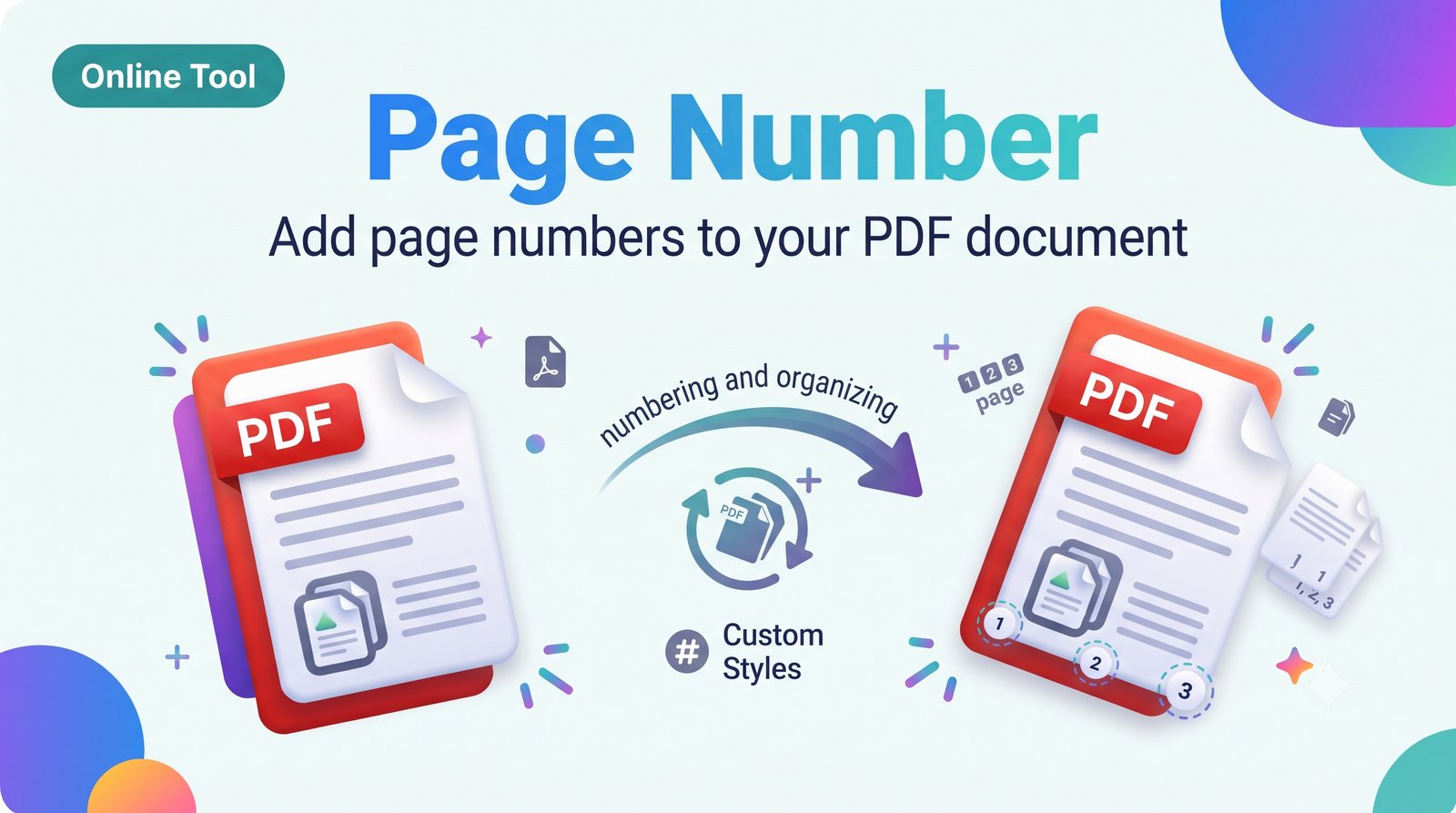
Add Page Numbers to PDF – Number PDF Pages Online Free
Add page numbers to PDF online for free. Choose position, style, and starting number, then download. No signup, no watermark, no software.
About this tool
Add Page Numbers to PDF: Clean, Custom Numbering
Number the pages of reports, thesis files, books, and legal documents. You control where the number appears and how it looks.
Features
Positions: top or bottom, left, center, or right
Choose the starting number
Pick font size and style
Number all pages or a selected range
Free and watermark-free
How to use
Upload your PDF.
Choose position, font size, and first number.
Click “Add Page Numbers”.
Download the numbered PDF.
FAQ
Can I skip the cover page? Yes, set the numbering to start from page 2.
Does it change the layout? No, numbers are added in the margin.
Want to number PDF pages or insert page numbers into a PDF? This tool does it in seconds.
add page numbers to pdf, number pdf pages, pdf page numbering, insert page numbers pdf online
Related tools
 Online Tool
JPG to PDF Converter – Convert JPG Images to PDF Online Free
Convert JPG to PDF online for free. Combine one or many JPG images into a single PDF in seconds. No signup, no watermark, works on mobile and PC.
 Online Tool
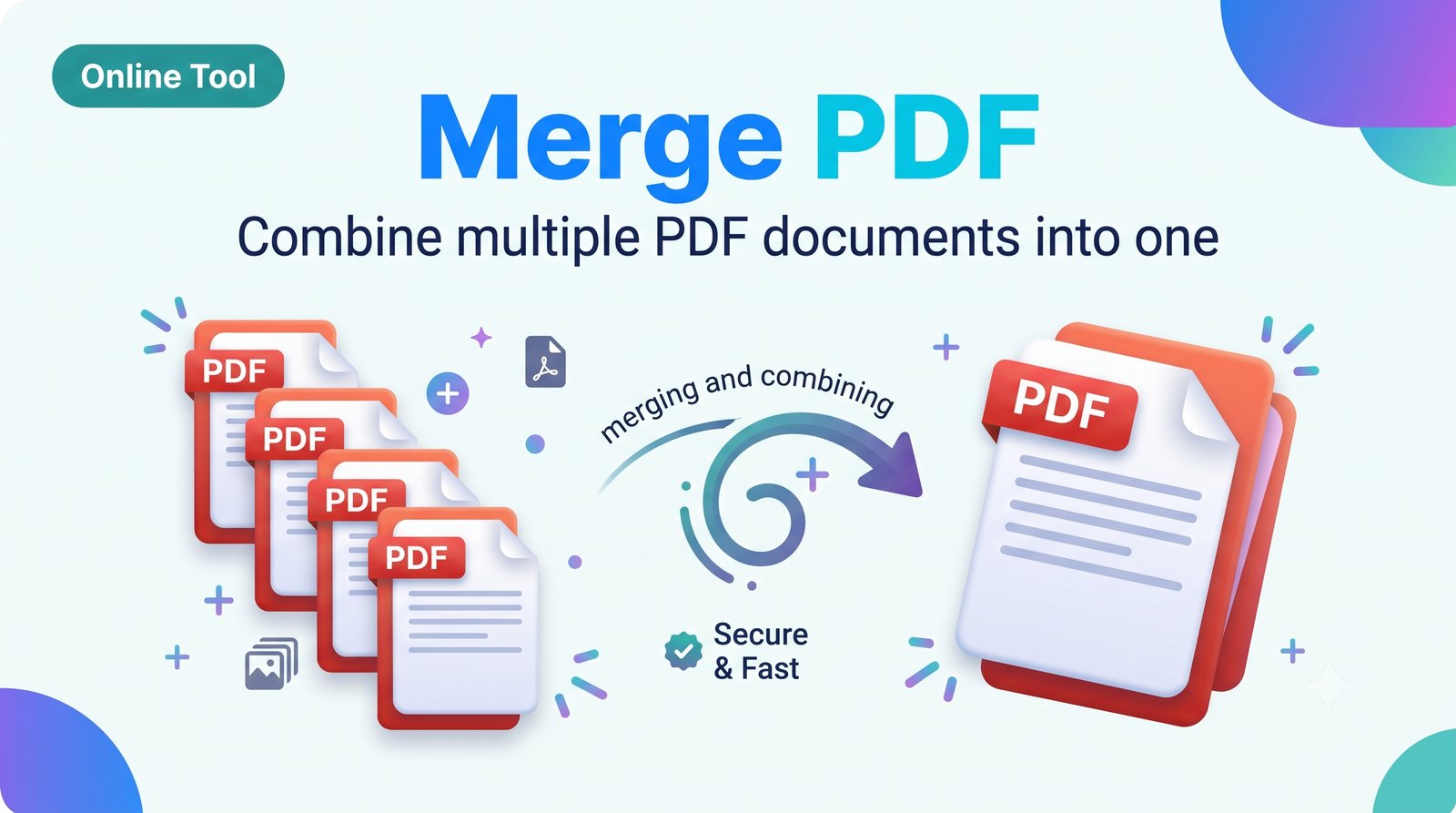
Merge PDF – Combine Multiple PDF Files into One Online Free
Merge PDF files online for free. Combine multiple PDFs into one document in seconds. No signup, no watermark, works on mobile and PC.
 Online Tool
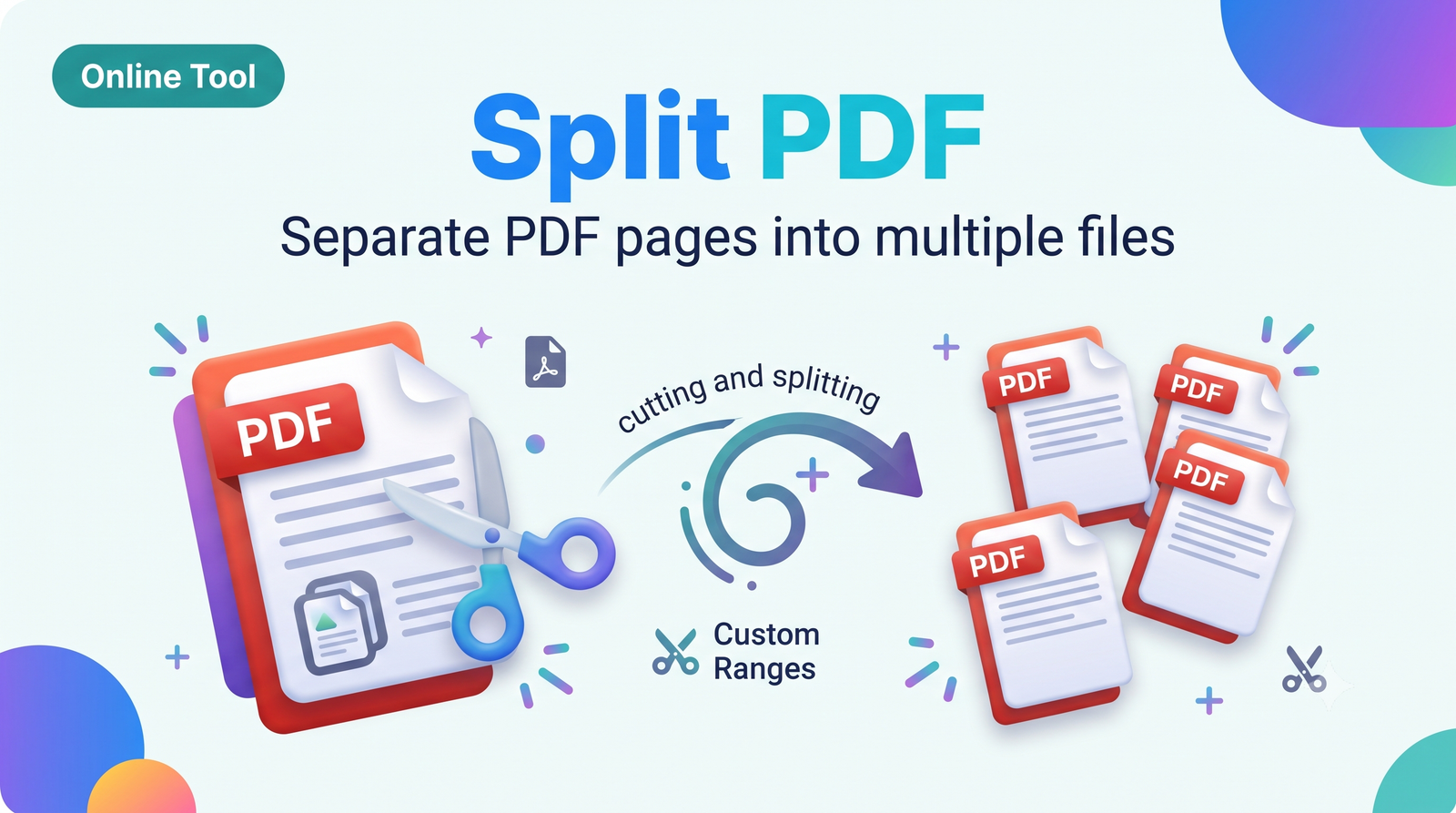
Split PDF – Separate PDF Pages or Extract Page Range Online Free
Split PDF online for free. Divide a PDF into separate files or extract specific pages in seconds. No signup, no watermark, no software needed.
 Online Tool
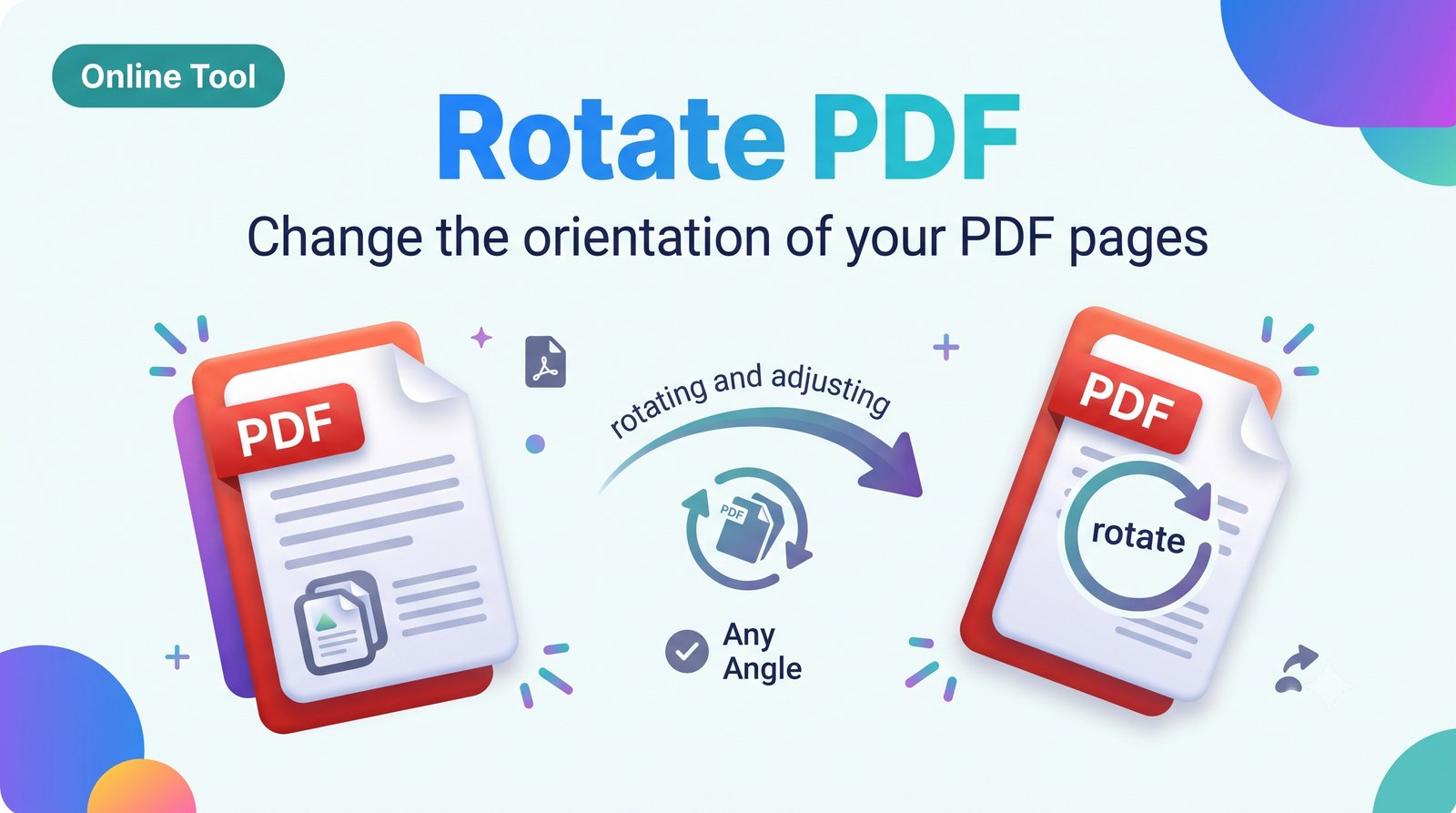
Rotate PDF – Rotate PDF Pages 90, 180 or 270 Degrees Online Free
Rotate PDF pages online for free. Turn all or selected pages 90°, 180°, or 270° and save the fixed file. No signup, no watermark.